

Disclosure: This article contains affiliate links. If you sign up through them, I may earn a commission at no extra cost to you. I only recommend tools I use and set up for real businesses.
Here is the hard truth about AI for small business. The model you pick is the least important decision you will make. It is common to see an owner spend a month comparing benchmark charts, pay for all three "just to be safe," and still answer every customer email by hand at 10 p.m.
The search data says a lot of people are stuck on that first decision. "Claude vs chatgpt" went from 12,100 searches a month last September to 49,500 this August. The question shifted from "should I use AI" to "which one" — and most of the articles answering it are written for software engineers, not for someone running a cleaning crew in Bettendorf or a boutique in downtown Moline.
So this comparison is built around the jobs a small business actually does: quotes, emails, social posts, long documents, and customer questions. All three tools can handle most of it. The real differences are where each one fits into your day, what the team plans include, and what happens to your data. Every price below changes often — confirm it before you buy.
1. Why "Which AI?" Became the Question of 2026
chatgpt for small business
chatgpt vs claude vs gemini
claude vs chatgpt
The fastest-growing search in this group is not a comparison at all. It is "chatgpt for small business," up 812% — from about 2,200 searches across last fall's three months to 19,700 across this summer's. Owners are not asking which model is smartest. They are asking which one will help them run the shop.
What the numbers do not tell you
Search growth shows interest, not quality. None of these charts says one tool is better than another. What they do show is that most people are still at the "pick one" stage — and ad competition on all three searches sits at 16 out of 100 or lower. Very few businesses are selling answers to this question yet.
Who this comparison is for
If you run a small service business, a shop, or a solo practice and you want AI to take work off your plate, keep reading. If you are a developer choosing a model for an app, the benchmarks you need live elsewhere.
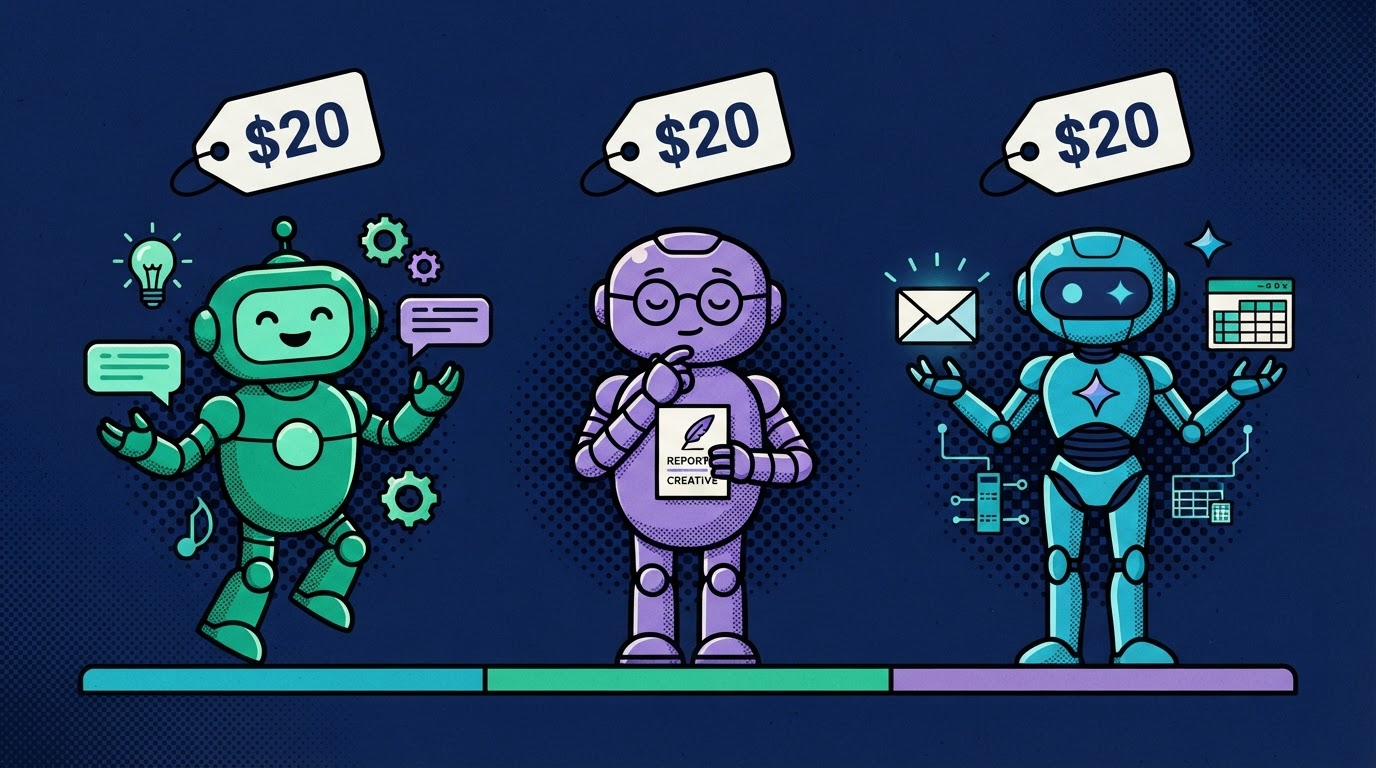
2. Same $20 — Here Is Where Each One Fits
ChatGPT Plus
Claude Pro
Google AI Pro
When the individual plans cost the same, price cannot make the decision for you. What should: where your business already lives, and what you will ask the tool to do most weeks.
ChatGPT Plus is the all-rounder. It has the broadest feature set — writing, image generation, voice conversations and custom GPTs in one app. It is also the one your staff has most likely already tried, which means less training. The tradeoff is that doing a bit of everything means you still need to be specific about your voice and your prices, or the answers come out generic.
Claude Pro is the writer's pick. If most of your AI time is proposals, emails, web copy and policies, Claude is comfortable working through a long contract, a handbook or your full price book in one conversation. The tradeoff is fewer built-in extras like image generation, so it may not be your only tool if you make a lot of visuals.
Google AI Pro is the Workspace native. Gemini lives inside Gmail, Docs, Sheets and Drive if your business already runs on Google Workspace, and the plan includes extra Google storage. The tradeoff is simple: if your email and files are not on Google, you lose the main advantage.
3. Head to Head on Real Small-Business Jobs
| Job | ChatGPT | Claude | Gemini | Where we'd start |
|---|---|---|---|---|
| Follow-up email after a quote | ✓ | ✓ | ✓ | Whichever you already use |
| Summarize a 40-page lease or contract | ✓ | ✓✓ | ✓✓ | Claude or Gemini for long files |
| Monthly social media calendar | ✓✓ | ✓ | ✓ | ChatGPT if you also need images |
| Answer questions from your own price list | ✓ | ✓ | ✓ | Any — load the list into a project |
| Clean up a customer spreadsheet | ✓ | ✓ | ✓✓ | Gemini if it lives in Sheets |
| Make a flyer or product image | ✓✓ | limited | ✓ | ChatGPT or Gemini |
| Draft replies inside your inbox | via add-on | via add-on | built into Gmail | Gemini on Google Workspace |
Look at how many rows say "good fit" across the board. That is the honest answer for most day-to-day work in 2026: all three can write the email, summarize the contract and plan the posts. The last column is where the real differences show up, and it is mostly about which apps you already use.
Test it on your own work, not someone else's prompt
Take three real tasks from last week — an actual quote follow-up, an actual customer question, an actual document. Run them through the free version of each tool on the same afternoon. The one whose answers you would send with the fewest edits is your pick.
The mistake that makes all three look bad
Asking any of them "write a follow-up email" with no context gets you the same bland paragraph. Paste in your prices, your service area and two emails you have sent that customers liked. The difference in output is bigger than the difference between the models.
4. Team Plans and Your Customers' Data
| Plan detail | ChatGPT | Claude | Gemini |
|---|---|---|---|
| Business plan name | Team / Enterprise | Team | Inside Workspace plans |
| Price per user | ~$25–30/mo | ~$30/mo | Depends on Workspace tier |
| Trains on your data by default? | Vendor says no | Vendor says no | Vendor says no for Workspace |
| Admin controls | Yes | Yes | Yes, via Workspace admin |
The moment an employee pastes a customer's address, invoice or complaint into an AI tool, you are responsible for where that data goes. That is the real reason to consider a business plan once you have staff — not the extra features.
On a personal plan? Check one setting today
Consumer plans have their own data and training settings, and they change. Open the settings in whichever tool you use and read the data controls page. It takes five minutes, and it is the single most overlooked step in this whole decision.
When one seat is enough
A solo owner doing their own writing does not need a team plan. Two or more people handling customer information is when the per-user price starts paying for itself in peace of mind.
5. The Plumbing Beats the Model
Pick One
Choose by where you work, not by benchmarks. Cancel the other two. One subscription beats three you half-use.
Feed It
Price list, service area, FAQ and your 20 best customer emails. Context beats model choice every time.
Connect It
Put it behind your website chat, texts and inbox through your CRM with a human handoff. This is the step most people skip.
Answers Go Out
Answers go out without you, in your words, while you finish the job in front of you. That is hours saved, not minutes.
A $20 chatbot in a browser tab saves you typing. The same kind of model, fed your real material and connected to where customers reach you, answers them while you are on a job site in Moline. That jump — from a tab you open to a system that runs — is where the money is.
Step three is the one everyone skips
Most owners stop at step one. A few make it to step two and build a great prompt they paste in by hand. Almost nobody connects it. If you want to build that middle layer yourself, start with building a custom AI assistant without code.
Where it shows up for customers
The most visible version is a chat widget that answers questions from your own FAQ and hands off to a human when it should. I walked through that setup in how to add a 24/7 AI chatbot to your website. And if you are paying for five separate tools to make this work, compare the cheapest all-in-one business software before you add a sixth.
Key Takeaways
- Pick one AI subscription, based on where your email and files already live — then cancel the rest.
- Test with three real tasks from last week, not someone else's demo prompt.
- Feed it your prices, service area and best emails; context beats model choice.
- Move to a business plan once staff handle customer data, and check the training settings today.
- Connect it to chat, text and email — that is where AI starts saving hours instead of minutes.
Ready to Launch Your QC Business?
Get direct help, local insights, and connect with other Quad Cities entrepreneurs.
Text DIGITAL to
563 396 9862
Standard msg & data rates may apply. We won't spam you.
About Lucas Dantas
Brazilian-born founder of Magnetic Funnels and Magnetic Flows. HighLevel SaaSpreneur Gold 2025. Writing about online business from Bettendorf, Iowa. Read full story →