

Disclosure: This article contains affiliate links. If you sign up through them, I may earn a commission at no extra cost to you. I only recommend tools I use and set up for real businesses.
Free invoicing software is never free. You pay in card fees, in upgrade prompts, or in the hours you spend chasing clients the tool will not chase for you. The question is which cost you can live with.
Searches for "free invoicing software" nearly tripled from last fall to this summer: 7,200 across September to November 2025, 21,100 across June to August 2026. July's spike to 12,100 was a one-off, but even August sat 50% above last September. More people are going solo, and the first tool they need is the one that gets them paid.
This comparison is written for service businesses from Davenport to Moline. It covers the three invoicing tools people search for by name, what each one charges you for, the four invoice fields that decide when you get paid, and the signal that you have outgrown free.
1. What "Free" Actually Means for Each Tool
| Tool | What's free | What you pay for | Best for |
|---|---|---|---|
| Zoho Invoice | Free forever: 500 invoices/yr, 2 users, reminders, quotes, recurring, portal | Your gateway's card fee (Stripe, PayPal) | Most features at $0 |
| Wave | Starter, $0: invoicing + basic accounting | Cards 2.9% + $0.60; reminders need Pro at $19/mo | Invoices + books in one app |
| Invoice Simple | 14-day trial only | $6.99 / $14.99 / $21.99 per month | Phone invoicing on the go |
| Square Invoices | Free plan, reminders included | Cards 3.3% + 30¢; ACH 1%, $1 min | Already taking Square in person |
| PayPal Invoicing | Sending invoices | Cards 2.99% + $0.49; PayPal 3.49% + $0.49; ACH 1% capped $10 | Clients who insist on PayPal |
Read the third column before the first. Every tool here makes money somewhere, and for most of them it is the payment fee. On a $500 invoice paid by card, you keep $484.90 with Wave, $484.56 with PayPal and $483.20 with Square's free plan. Small per invoice, real over a year.
Zoho Invoice is the most complete free plan in this group: automatic reminders, quotes, recurring invoices and a client portal at $0, with no payment fee of its own on top of your gateway's. Wave wins if you also want free bookkeeping, but its automatic late-payment reminders now sit behind the $19/mo Pro plan. Invoice Simple is not free software at all: after the 14-day trial, the cheapest plan is $6.99 a month for three invoices.
2. The Three Tools People Look Up by Name
Zoho Invoice
Invoice Simple
Wave Invoicing
Brand searches tell you where people start, not where they should end up. Choose on three questions, in this order:
- Where do your clients want to pay? If most pay by card, the processor fee is your real cost. If most pay by bank transfer, the cap matters: a $2,000 invoice paid by bank costs $20 on Wave or Square's free plan, and $10 on PayPal, which caps bank payments at $10.
- Do you need books too? If you have no bookkeeping system, Wave's bundled accounting is worth a lot. If you already use QuickBooks or an accountant's system, pick the best invoicer and connect it.
- Where do you invoice from? From a truck in a Bettendorf driveway, a phone-first app wins. From a desk, any of these works.
3. The Invoice-to-Cash Loop — and Where Free Tools Stop
Send It
Every tool here handles step one. The invoice goes out by email with a clear due date and a payment link.
Remind
Automatic reminders are the most valuable feature on the list — and where "free" splits. Zoho and Square include them at $0; Wave hides them in Pro.
One-Tap Pay
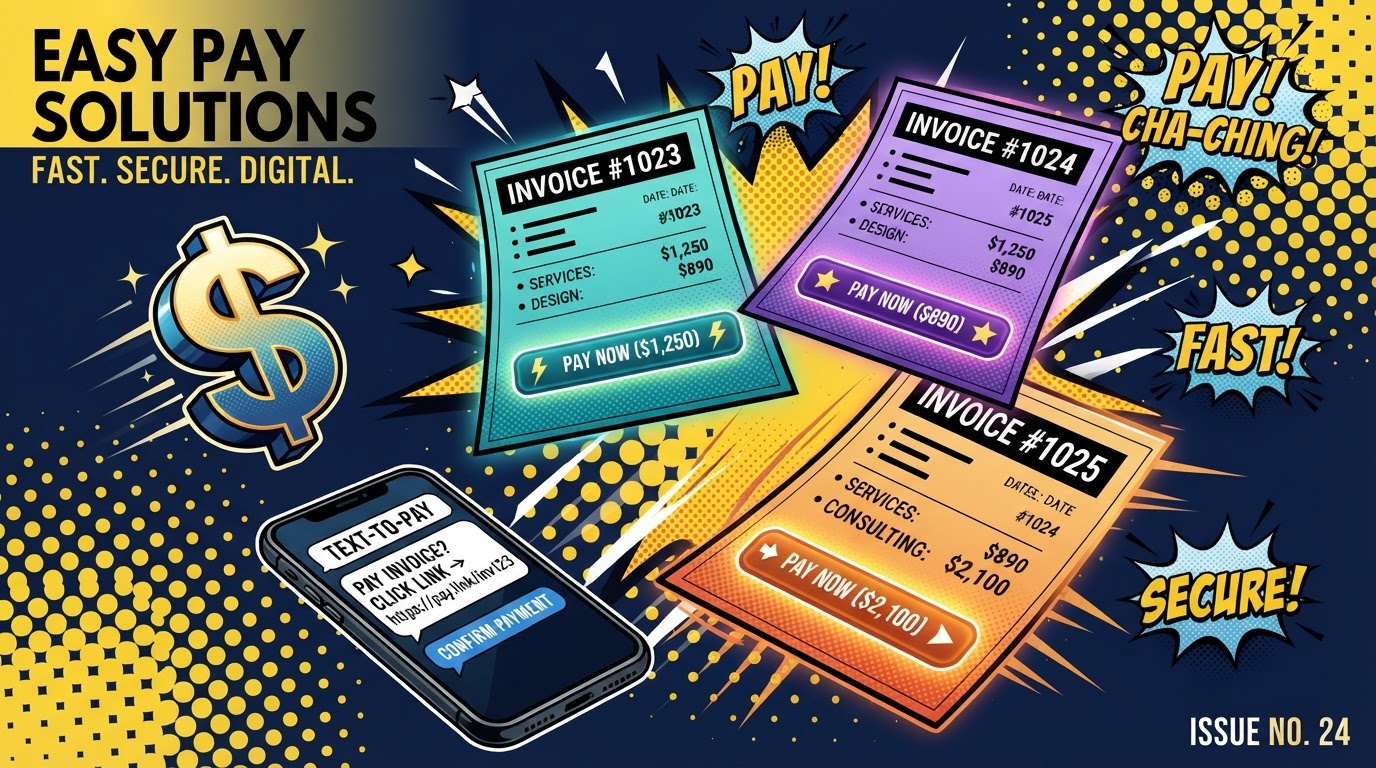
An invoice with a card or bank button gets paid faster than one that asks for a check. The next step up is text-to-pay: the link arrives by SMS where clients actually read.
Paid & Reconciled
The invoice closes itself and posts to the books without a manual chase. That is weeks of cash flow recovered, not minutes saved.
Every tool handles step one. The gap shows up in steps two and three, and that gap is where freelancers lose weeks of cash flow.
Automatic reminders are the most valuable feature on the list, and this is where "free" splits apart:
- Zoho Invoice and Square: automatic reminders on the free plan.
- Wave: only on Pro ($19/mo), which sends them 3, 7 and 14 days after the due date.
- Invoice Simple: due-date reminders start on the Plus plan ($14.99/mo).
One-tap payment is the other lever. An invoice with a card or bank button gets paid faster than one that asks for a check. The next step up is text-to-pay: the payment link arrives by SMS, which lands where clients actually read — their phone.
That is also where free invoicing tools end and CRMs begin. Once reminders, texts and follow-ups matter, you are running a sequence, not sending a document — the same two-way SMS setup behind our missed-call text-back guide.
4. The Nine Fields — and the Four That Decide When You Get Paid
Real due date
"October 15" is unambiguous; "Net 30" leaves the client to do the math.
Your business name
Legal name and DBA, matching your bank account so the payment clears.
Client name
The exact billing contact — not "the office" or a first name only.
Sales tax line
If your state taxes what you sell, it belongs on the invoice as its own line.
Line items
Each service or product on its own row with a quantity and unit price.
Payment link
Turn on card and bank payments in the tool's settings before you send.
Notes / terms
Where the scope, deposit, or warranty lives — keep it short and specific.
Late-fee terms
Put them in your contract or quote first, then repeat them on the invoice.
Invoice number
Sequential and unique — the field your accountant and the IRS look for.
Every tool in this comparison has room for all nine fields. The highlighted four are the ones people leave blank.
- A real due date: "October 15" is unambiguous; "Net 30" leaves the client to do the math.
- Sales tax line: if your state taxes what you sell, it belongs on the invoice as its own line. Some states, Iowa among them, tax many services and digital products — check your state's revenue department.
- Payment link: turn on card and bank payments in the tool's settings before you send the first invoice.
- Late-fee terms: put them in your contract or quote first, then repeat them on the invoice. A late fee that appears only after the invoice is late reads as a threat.
If you handle leads, quotes and invoices in three different places, you will miss one of these fields eventually. Our walkthrough on how to manage customer leads in one place shows how the quote carries its terms straight into the invoice.
5. When to Outgrow Free Invoicing Software
| Signal | What it's costing you | Upgrade to |
|---|---|---|
| You chase 3+ invoices a month by hand | Hours and awkward calls | A plan with automatic reminders |
| Clients ask to pay by text | Slower payments from phone-first clients | A tool with text-to-pay |
| You re-type quotes into invoices | Errors and missed line items | Quote-to-invoice in one system |
| You need recurring billing | Forgotten monthly invoices | Recurring invoicing (free in Zoho) |
| Leads, bookings & invoices live in 3 apps | Several subscriptions, no single view | All-in-one CRM |
The thresholds in the first column are my rule of thumb, not an industry standard. The logic holds, though: free tools are ideal when invoicing is occasional, and expensive when it is constant.
The last row is the one that tends to arrive once a service business gets busy. At that point you are comparing one all-in-one bill against several separate subscriptions, and our breakdown of the cheapest all-in-one business software runs that math tool by tool.
Key Takeaways
- Compare payment fees, not subscription prices — the fee is where free tools make their money.
- Start with Zoho Invoice, or Square if you already take Square payments in person.
- Turn on automatic reminders and payment links before your first invoice goes out.
- Fill the four fields that move the pay date: due date, tax line, payment link, late-fee terms.
- Upgrade when invoicing becomes constant, not before.
Ready to Launch Your QC Business?
Get direct help, local insights, and connect with other Quad Cities entrepreneurs.
Text DIGITAL to
563 396 9862
Standard msg & data rates may apply. We won't spam you.
About Lucas Dantas
Brazilian-born founder of Magnetic Funnels and Magnetic Flows. HighLevel SaaSpreneur Gold 2025. Writing about online business from Bettendorf, Iowa. Read full story →